
Play CS 1.6 in a browser
Start a browser session through PLAY-CS without installing the Windows client offered on Atlas. Open the provider, let its game assets load and choose a server through its interface. Controls, account features and server availability belong to that service.
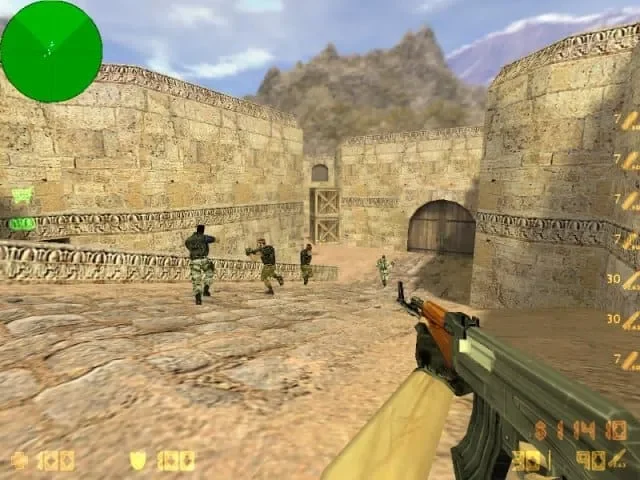
Know where the match takes place
PLAY-CS provides its own browser rooms, controls and account features. Review those on the destination site before joining. A Steam library entry, desktop config or favorite desktop server does not by itself establish what will be available inside that separate service.
Prepare the screen and input
- Open the provider on the device you intend to use and read its controls page.
- Choose a room and let the game finish loading before judging performance.
- Click into the game area, check mouse and keyboard response, then adjust the available sound and display controls.
- Learn how to release the pointer or leave fullscreen before starting a round.
Choose a room for your first session
Start with a familiar map and an ordinary mode rather than changing several things at once. Read the room’s rules and look for a connection that feels consistent. If you intend to play with friends, share the exact browser room instead of assuming that a desktop IP address opens the same match.
Decide whether to keep using the browser
A browser session is useful when you want a short match without setting up a desktop game folder. An installed client is the clearer route when your goal involves local configs, an identified bot add-on or a particular desktop server.
If browser input or loading fails, record what happens and check the provider’s help. Reinstalling a Windows client will not repair that browser session. For longer-term desktop play, compare the two installation routes before moving your practice routine.