
CS 1.6 with bots
A bot setup lets you practise maps and controls without joining a public server. Identify the installed bot project first, because YaPB and PODbot need their own instructions and navigation resources.
Build a useful first practice session
Start with a supported local map and a small number of opponents. Confirm that bots join teams and move before adjusting difficulty. If they work on one map but stand still on another, investigate that map’s navigation support. Keep the opponent count unchanged while tuning your mouse so you can judge the effect of the control change.
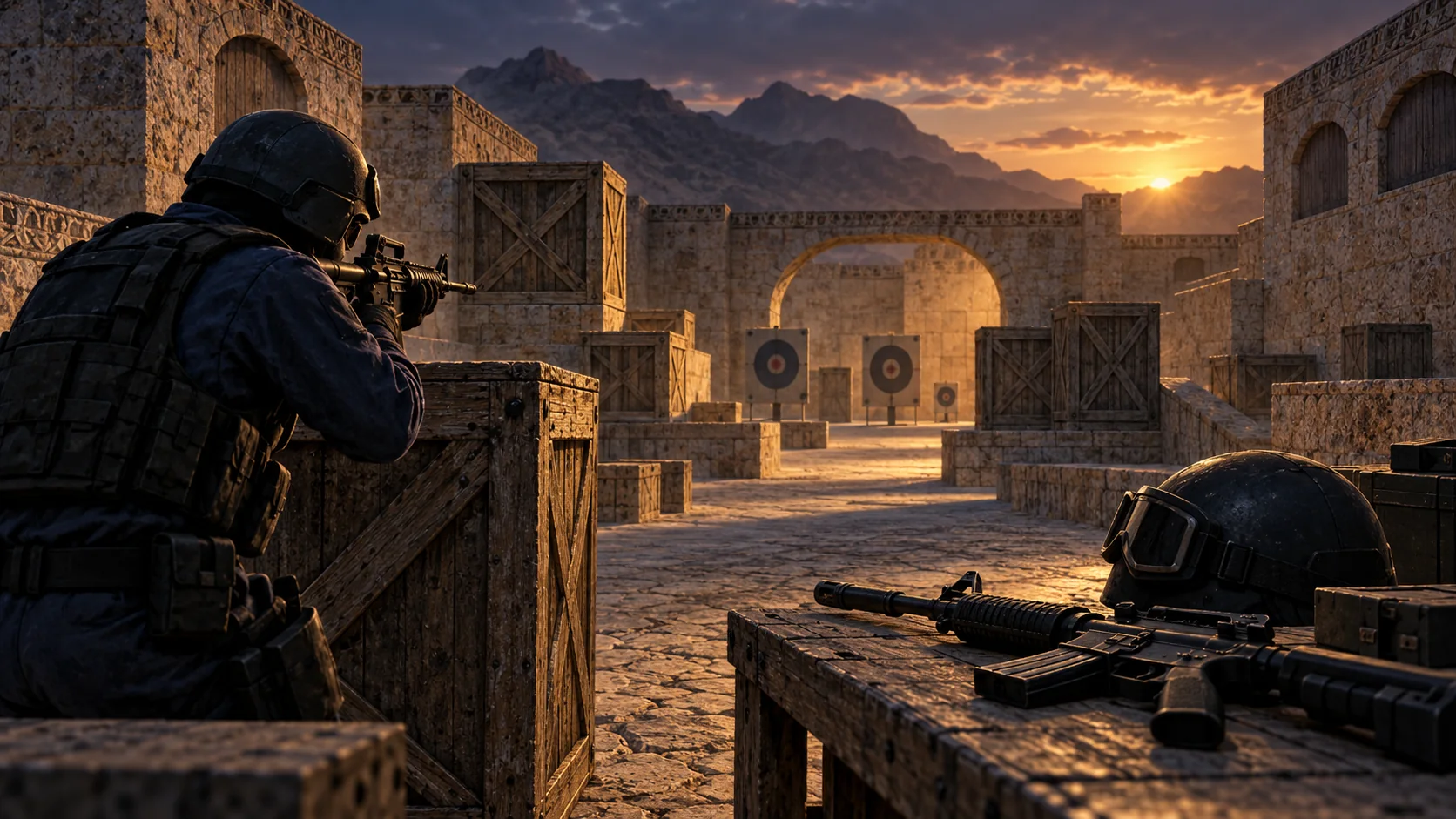
What distinguishes this edition
YaPB and PODbot are separate systems with their own installation files, menus and commands. Map support may require suitable navigation data. Follow the documentation for the installed system instead of assuming one console command works everywhere.
Before installing
- Back up your cstrike settings and personal maps.
- Keep modified editions in separate folders.
- Compare archive contents and requirements before replacing files.
Questions before you play
Why do bots work on one map but not another?
Map navigation support can differ. Check the installed bot system, its map-specific navigation files and console messages before replacing the whole game or changing unrelated settings.
Related pages
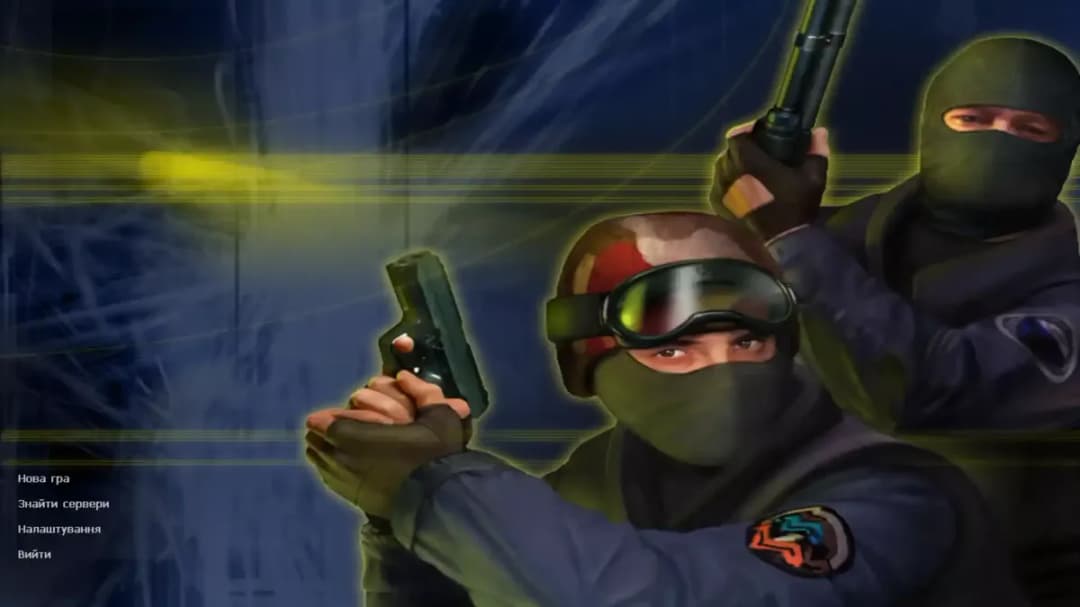
CS 1.6 Classic
Familiar maps, classic weapons and the Counter-Strike interface you remember.
Counter-Strike 1.6 on Steam
Official Counter-Strike in your Steam library, with account-based installation and access.
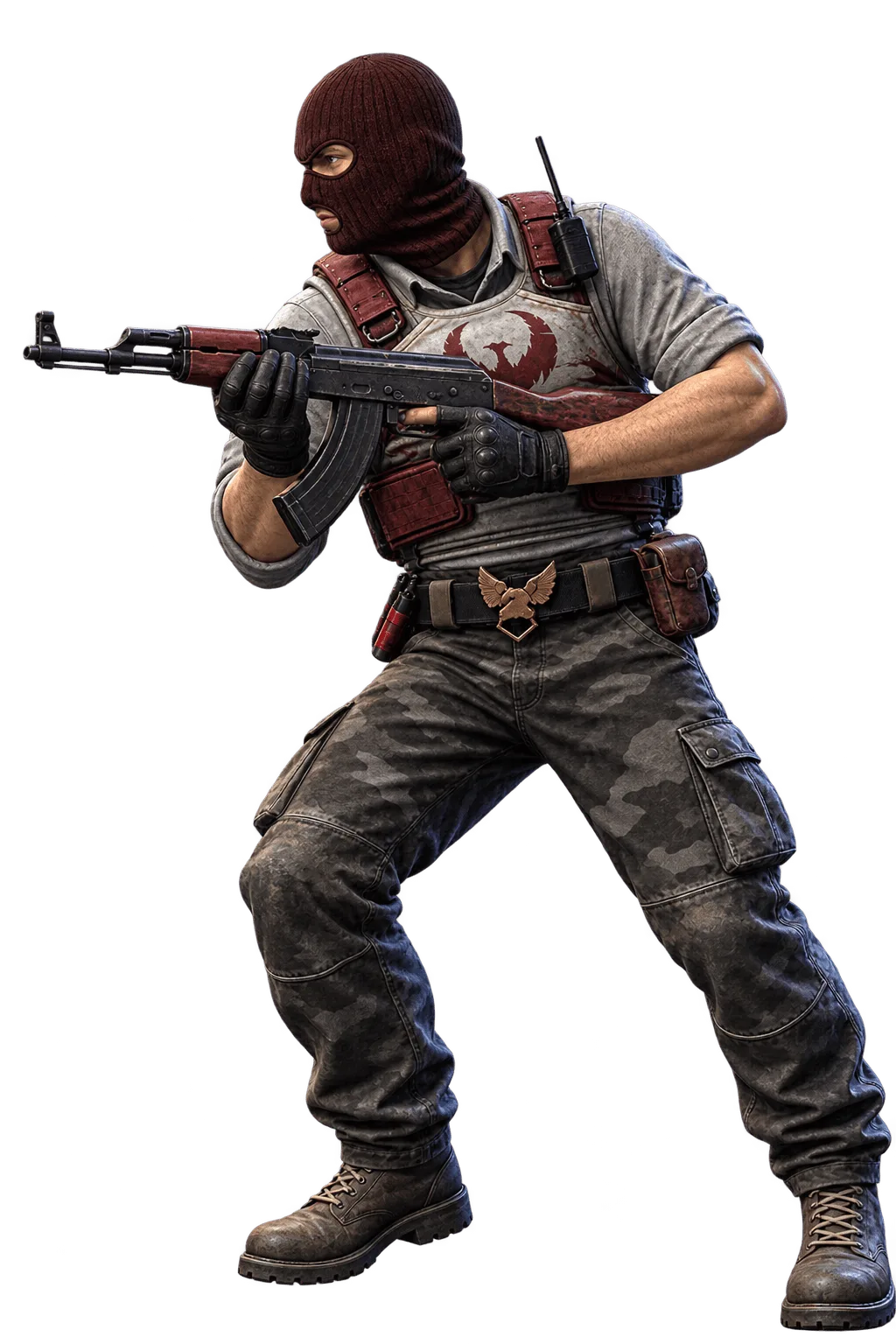
CS 1.6 with custom skins
Weapon and player models to give the classic game your own look.