
CS 1.6 Portable
Portable usually means launching a game from an extracted folder. It does not guarantee that every setting stays there or that no supporting components are required; follow the particular archive’s instructions.
Know what moves with the folder
Locate the package’s launcher and where it saves personal settings before moving it to another drive. Change one harmless option, close the game normally and check it after reopening. A folder that cannot be written to can make settings appear to disappear. This guide explains folder-based packaging; the regular Windows EXE is not a separately supplied portable archive.
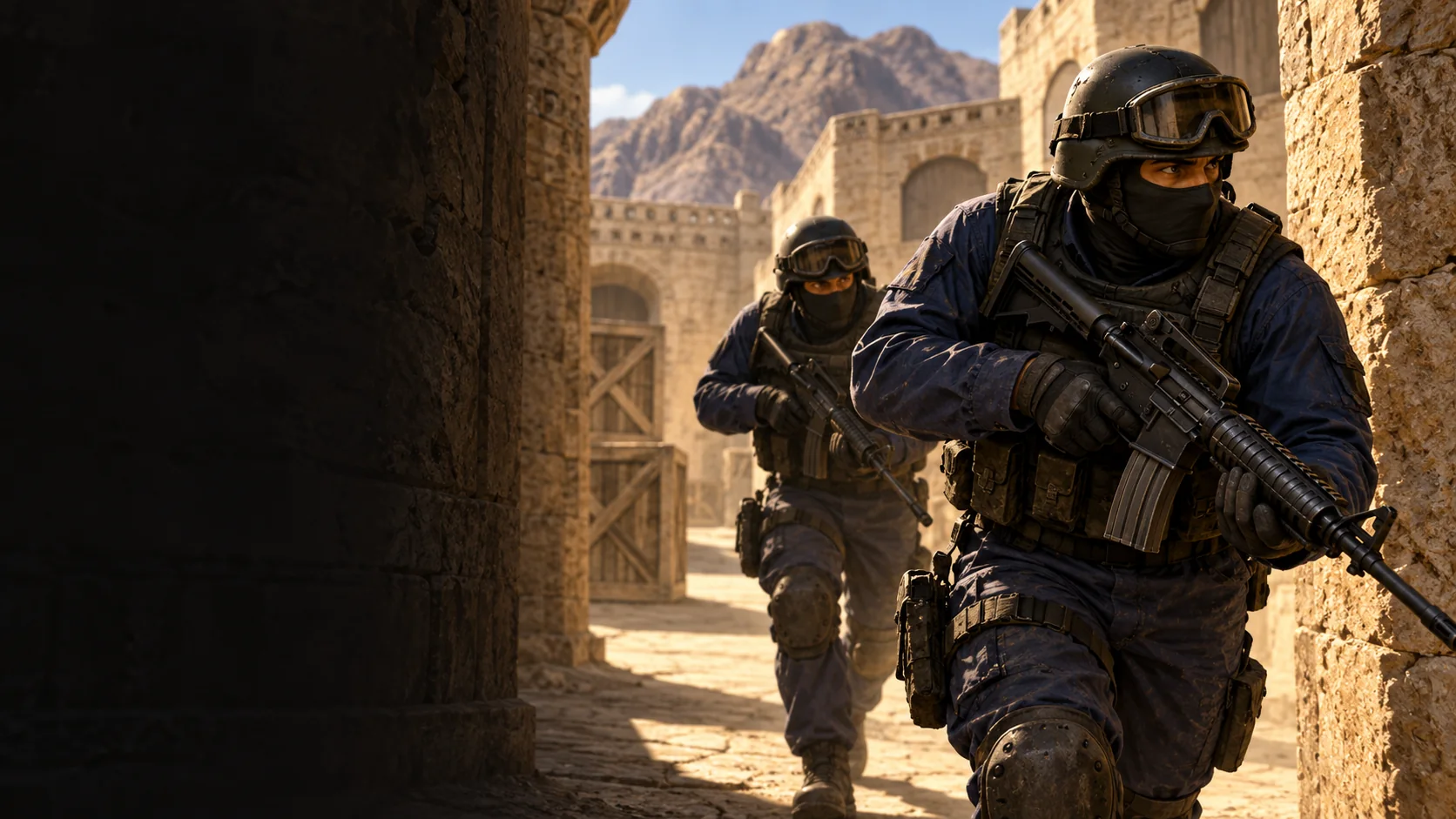
What distinguishes this edition
Portable packaging does not guarantee that the game writes no settings or needs no supporting components. Check save locations, folder permissions and stated dependencies. Keep the extracted edition separate from another installation to avoid mixed configuration files.
Before installing
- Back up your cstrike settings and personal maps.
- Keep modified editions in separate folders.
- Compare archive contents and requirements before replacing files.
Download source
A separate verified download for this edition is not yet published here.
Questions before you play
Can I simply rename an installer to make it portable?
No. Changing the filename does not change the package format. A portable distribution needs appropriate files, launch instructions and an understood location for its saved settings.
Related pages
CS 1.6 Classic
Familiar maps, classic weapons and the Counter-Strike interface you remember.
CS 1.6 with bots
Offline practice, bot commands and difficulty settings for your next match.
Counter-Strike 1.6 on Steam
Official Counter-Strike in your Steam library, with account-based installation and access.