
CS 1.6 with custom skins
A skins edition groups visual replacements for CS 1.6, which may cover weapons, players or only selected views. Compare the listed resources before replacing the models in a working client.
Inspect every view of a replacement
Equip a weapon, watch another player holding it and inspect it on the ground. Those views can use different model files, so a partial change may match the package’s contents. Introduce one resource set at a time and restore the affected originals if animations or visibility suffer. Review your server’s rules before using modified models in regular matches.
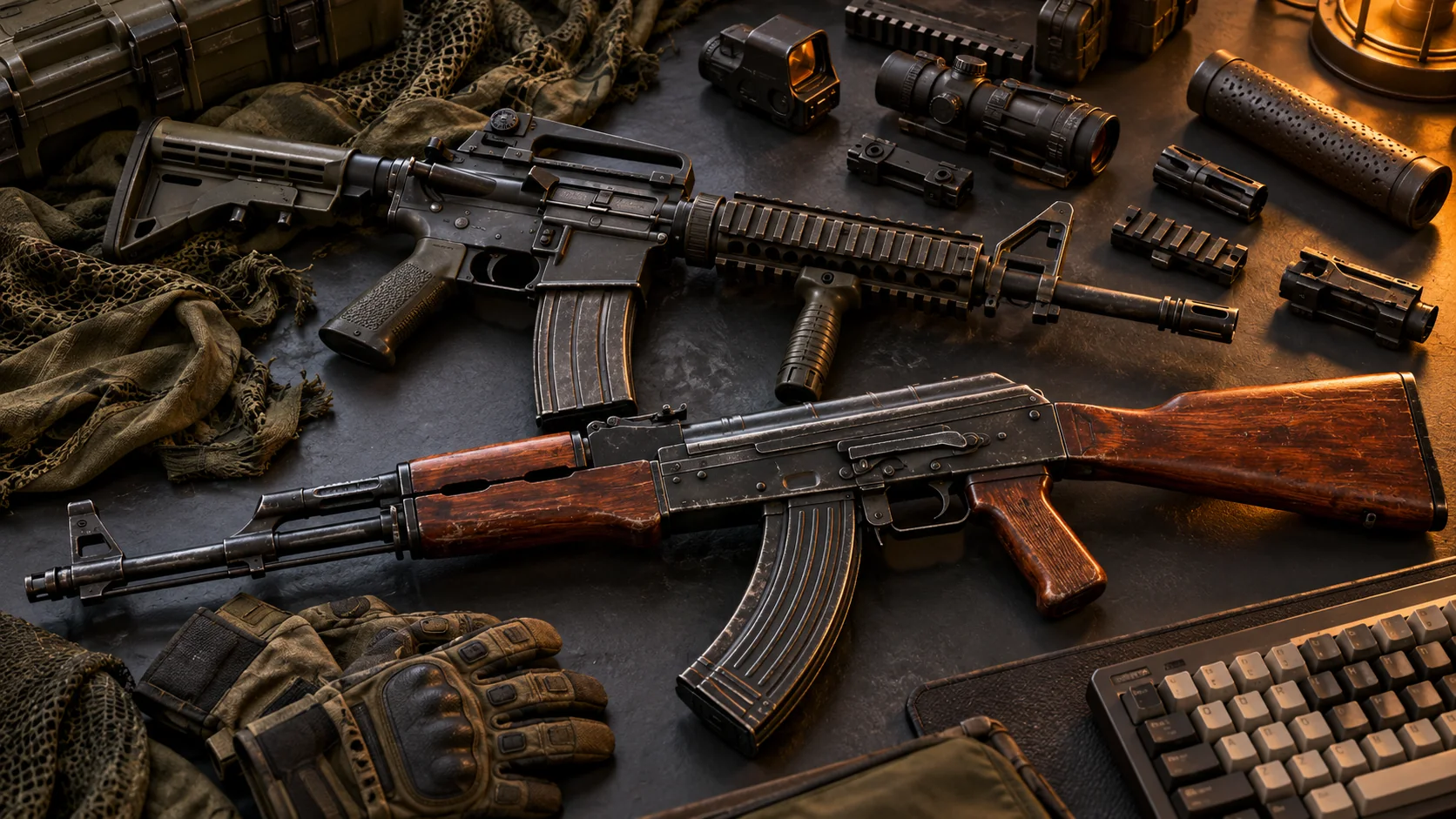
What distinguishes this edition
A skins package can cover weapons, player models or other visual assets, but the label does not establish its contents. Check paths and compatibility, preserve the original files and review any server restrictions before using modified models.
Before installing
- Back up your cstrike settings and personal maps.
- Keep modified editions in separate folders.
- Compare archive contents and requirements before replacing files.
Download source
A separate verified download for this edition is not yet published here.
Questions before you play
Will other players see all of my replacement weapon models?
Local replacements mainly change what your client renders. What other players see depends on their resources and server configuration, not simply on the files in your installation.
Related pages
CS 1.6 Classic
Familiar maps, classic weapons and the Counter-Strike interface you remember.
CS 1.6 with bots
Offline practice, bot commands and difficulty settings for your next match.
Counter-Strike 1.6 on Steam
Official Counter-Strike in your Steam library, with account-based installation and access.