
CS 1.6 WarZone
WarZone identifies community CS 1.6 packages rather than one fixed collection of files. The release’s publisher, menu language and stated modifications matter more than the shared name when choosing a setup.
Identify the release behind the label
Look for a file list and instructions tied to the same package as the screenshots. Separate included models from optional downloads, and note whether configuration changes accompany the visual theme. Keep that release apart from your regular installation so its behaviour can be compared. This catalogue page describes WarZone; it does not establish a separate verified installer for every version.
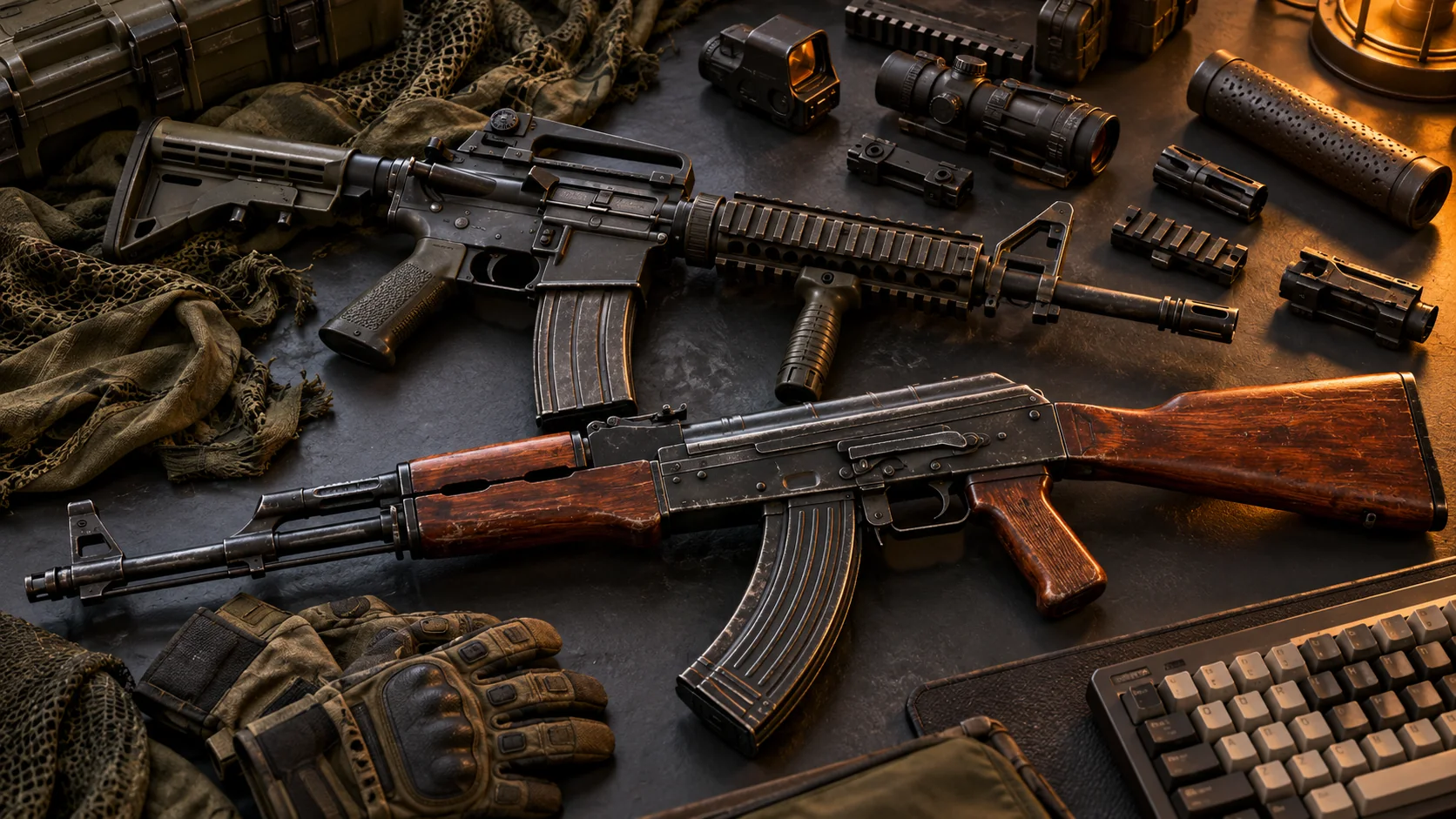
What distinguishes this edition
Two packages bearing this name may differ in language, bundled modifications and installation method. Read the specific release notes and inspect the source description. Do not transfer claims about one archive to another solely because their names match.
Before installing
- Back up your cstrike settings and personal maps.
- Keep modified editions in separate folders.
- Compare archive contents and requirements before replacing files.
Download source
A separate verified download for this edition is not yet published here.
Questions before you play
Are all downloads called WarZone identical?
No. Similar names can refer to different publishers and revisions. Compare the actual source, release notes and file contents rather than assuming one guide fits every archive.
Related pages
CS 1.6 Classic
Familiar maps, classic weapons and the Counter-Strike interface you remember.
CS 1.6 with bots
Offline practice, bot commands and difficulty settings for your next match.
Counter-Strike 1.6 on Steam
Official Counter-Strike in your Steam library, with account-based installation and access.