
Counter-Strike 1.6 on Steam
The Steam edition is installed and managed through your account’s game library. Use it when you want that distribution route, and confirm access to Counter-Strike before planning the installation.
Keep library files and personal additions distinct
Start the game from its Steam library entry before importing settings from another client. Bring across selected controls only after reading their commands. Preserve custom resources separately before using Steam’s file verification, since modified managed files may change. An unrelated installer or Steam-looking interface does not establish ownership, and mixing client libraries is not a useful connection fix.

What distinguishes this edition
Steam installs the game through its client rather than an independently downloaded themed archive. Review the publisher listing for current availability and requirements. Keep custom maps and configuration backups separate from files managed by the platform.
Before installing
- Back up your cstrike settings and personal maps.
- Keep modified editions in separate folders.
- Compare archive contents and requirements before replacing files.
Questions before you play
Should I copy another client's DLL files into Steam?
Avoid mixing unrelated client libraries. Start from the Steam installation, transfer understood personal settings selectively and troubleshoot the specific error using that installation's supported tools.
Related pages
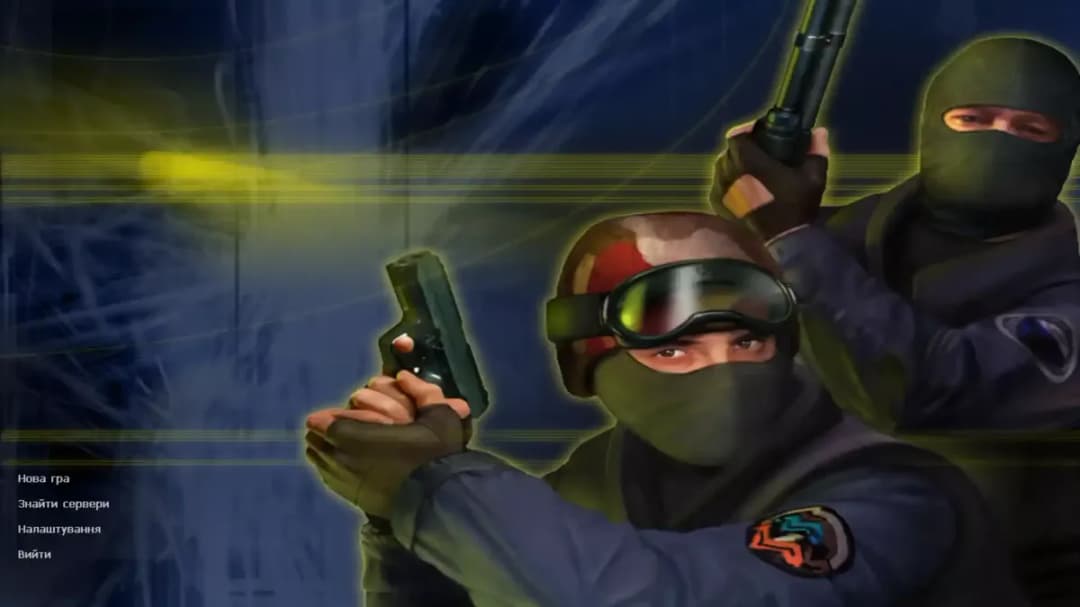
CS 1.6 Classic
Familiar maps, classic weapons and the Counter-Strike interface you remember.
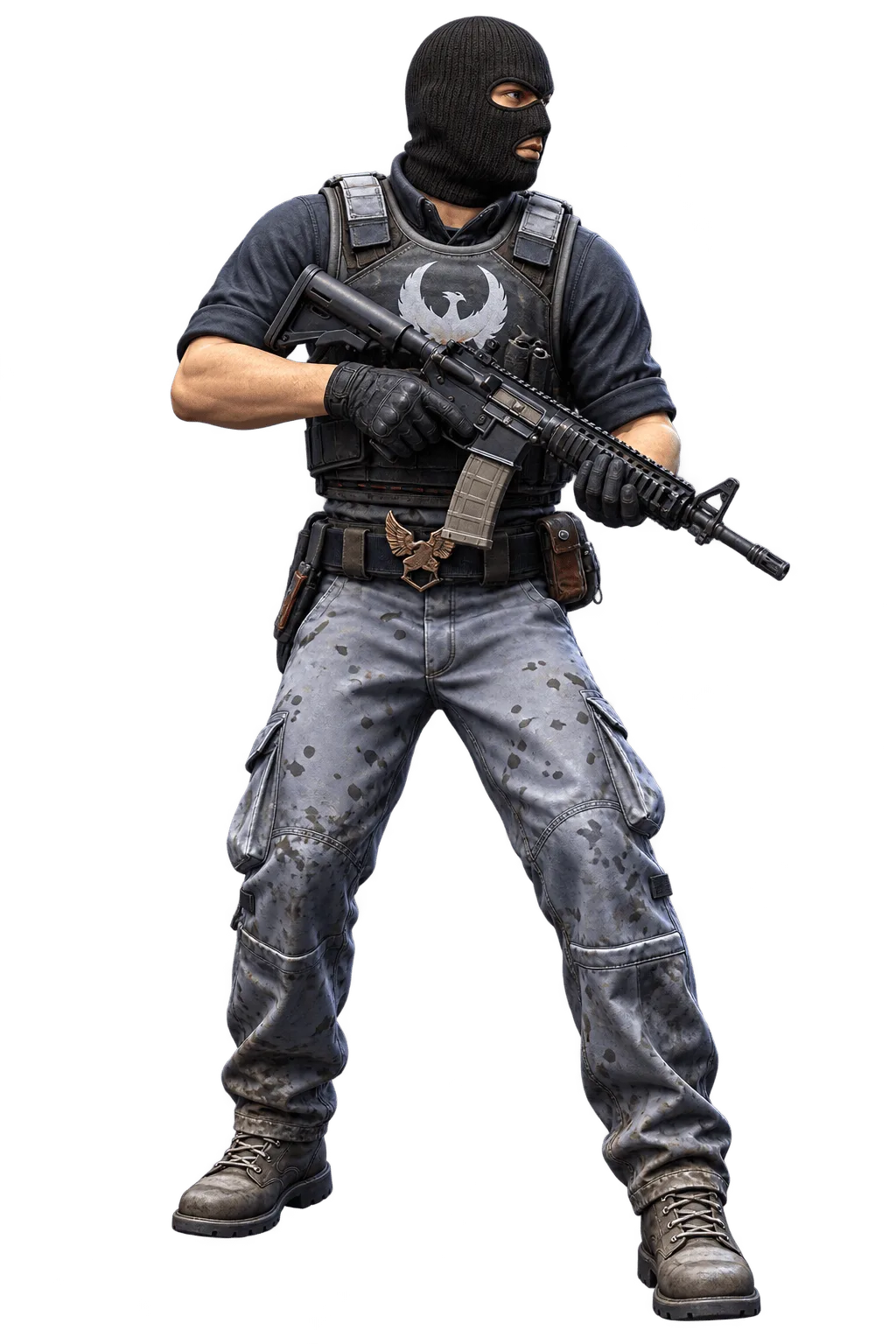
CS 1.6 with bots
Offline practice, bot commands and difficulty settings for your next match.
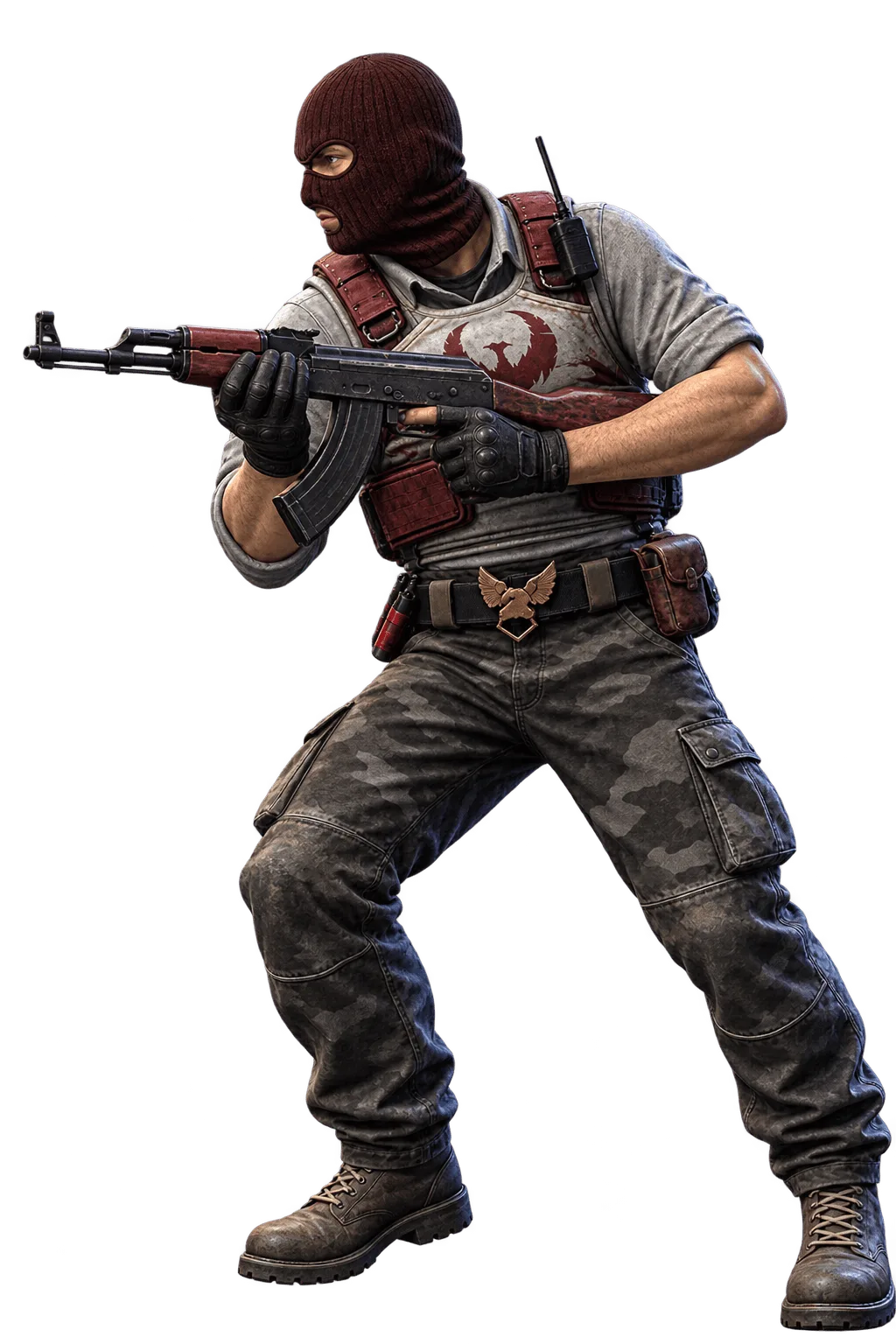
CS 1.6 with custom skins
Weapon and player models to give the classic game your own look.
Install Counter-Strike 1.6 through Steam · Check a file checksum