
How to play CS 1.6 online: choose your route
Online play means joining a networked match; it does not necessarily mean playing in a browser. This guide uses an installed Counter-Strike 1.6 client. Choose your installation, test the controls locally and then find a compatible server.
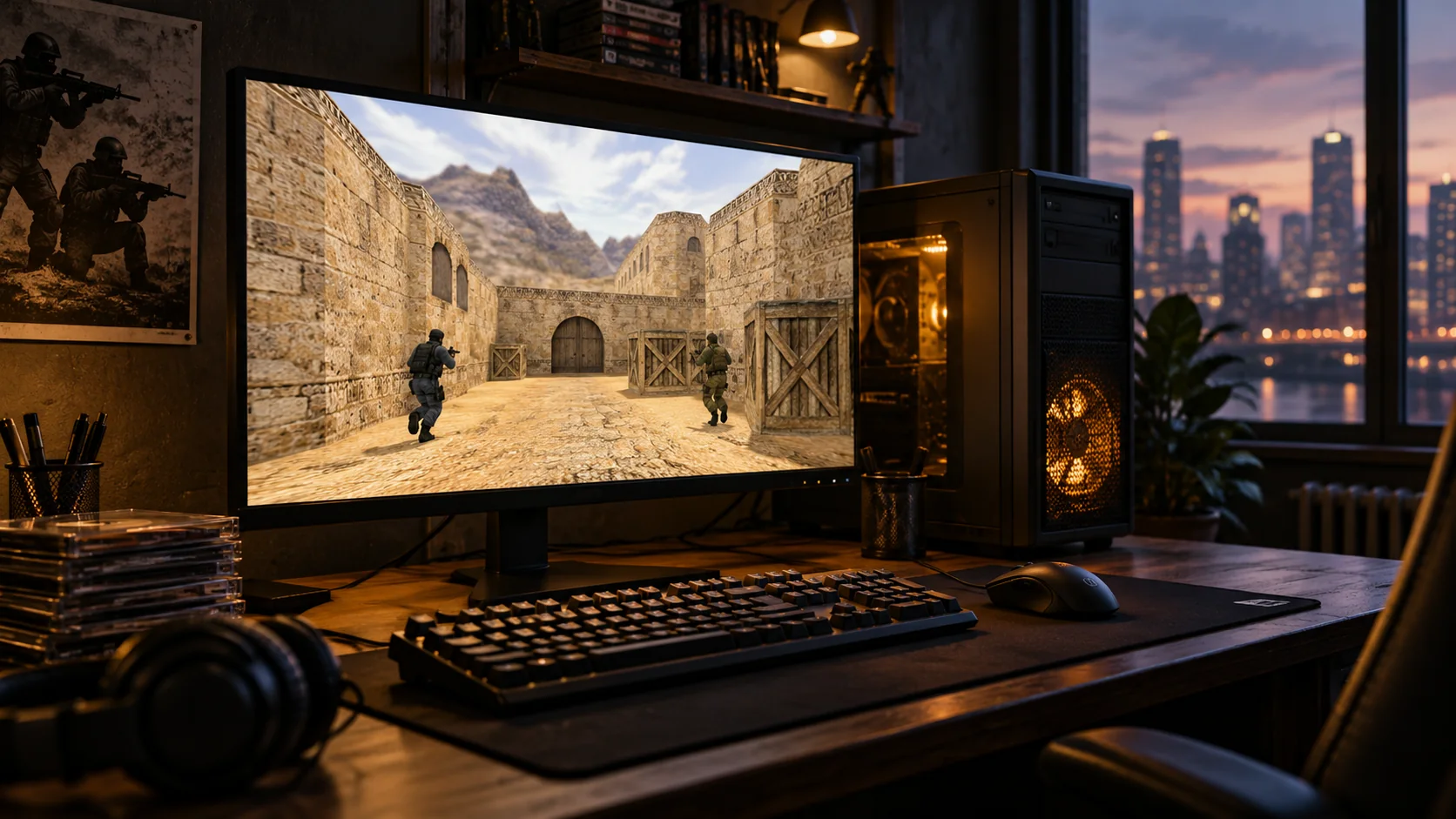
1. Choose and install your client
Start from the Classic build page for the Windows package offered here, or install the game from your Steam Library if you own it there. Keep different installations in separate folders so you can identify which shortcut, configuration and game files you are using.
| Route | Start here | What you need |
|---|---|---|
| Steam client | Counter-Strike in your Steam Library | Access to the game on your account and a compatible system |
| Community client | The publisher's Windows installer | A completed installation and the intended client shortcut |
| Browser comparison guide | The browser-versus-client article on this site | An explanation of the differences; no playable browser engine |
2. Make one short preparation check
Open your installed client and check one local map before you diagnose online problems. A working local match gives you a useful baseline: if only public-server connections fail, you can investigate the address, compatibility or network without replacing unrelated graphics settings.
- For an installed client, launch the menu and a local map before joining a public server.
- Set a comfortable resolution, audio level and mouse control before the first round.
- Keep the installation path and shortcut clear, especially if several editions are installed.
3. Choose a match you understand
Look at the game mode, map, region and admission rules. Copy the published host and port accurately, add the server to Favorites or follow the connection guide. A low ping can be helpful, but it does not tell you whether you will enjoy the rules or whether your client is accepted.
Start with a familiar map and ruleset. Read the server's welcome information before playing. A password requirement, reserved slot or full server calls for a different choice or the owner's instructions, not changes to your graphics settings.
4. Use the result to choose your next step
If the game connects but movement feels delayed, compare another suitable server before changing the whole client. If the image is choppy on a local map too, investigate performance instead.
Save a working server in Favorites. If joining fails, record the exact message and whether other servers work; those two observations narrow the next diagnostic step. A failure at one address does not prove that the whole installation is broken.
Sources and further reading
Choose your next step
Prepare the client before choosing a busy server
A brief local test confirms that your controls, display and sound work before network conditions enter the picture. Then choose a server for its mode, rules and connection quality. Read any rejection message carefully. This site's download route installs a Windows client; it does not start a browser match on the page.
Questions before you play
Do I need the same visual build as other players?
A matching cosmetic theme is generally not the main requirement. Game and client compatibility, required resources and the chosen server's rules determine whether you can join.