
CS 1.6 on Windows 7: legacy setup limits
Windows 7 requires a legacy assessment before a new CS 1.6 installation. An old copy of the game may have worked on the machine, but that history does not establish whether a current distribution client can be installed or supported.
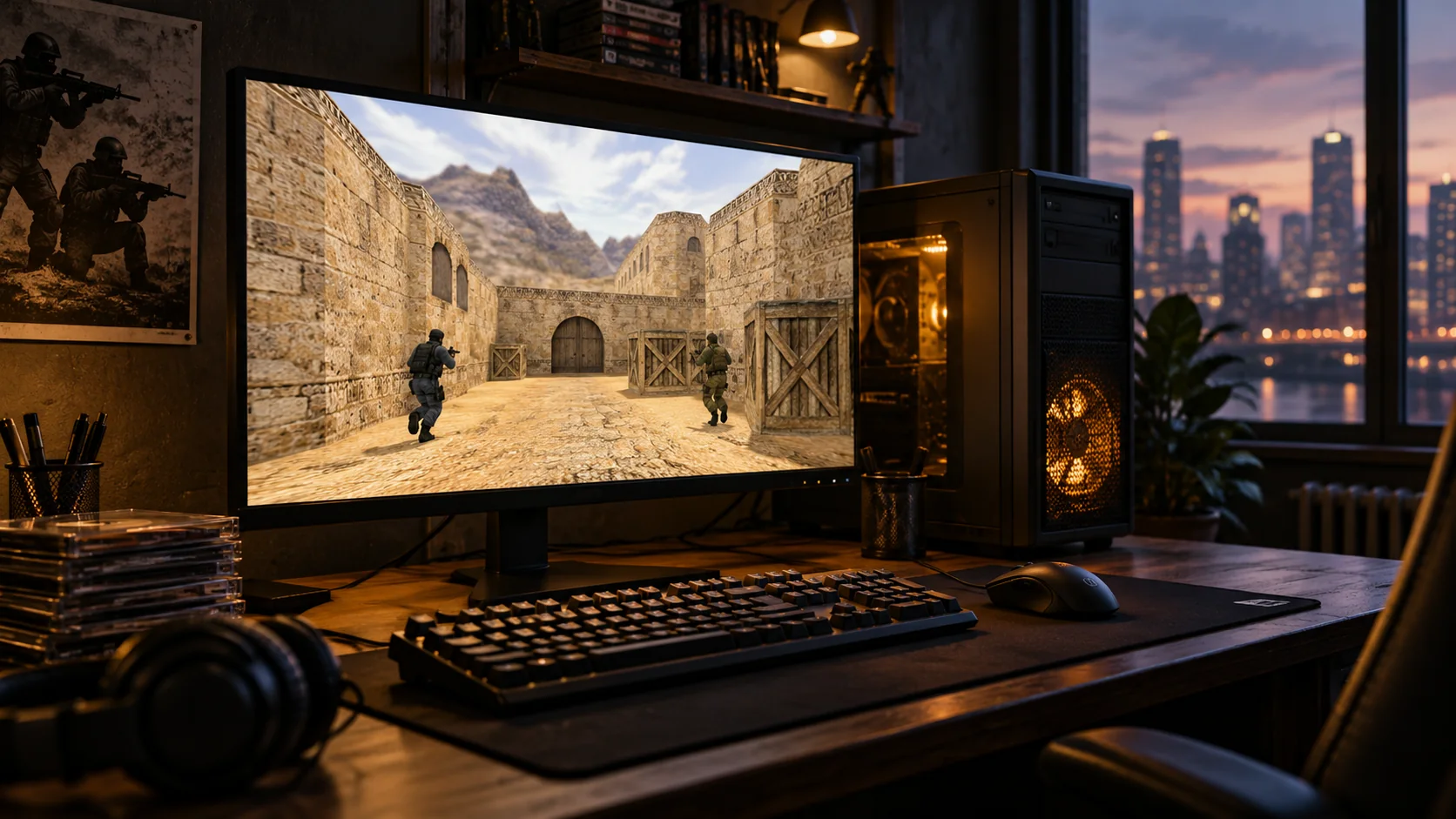
The Steam support limit comes first
Steam ended Windows 7 support on 1 January 2024. This page therefore does not present an old Steam installer or a frozen client as a supported route. Review the current requirements on a suitable operating system before planning a fresh Steam setup.
Document an existing game before changing it
If you are inspecting an already installed game, record its source, folder and last successful launch. Keep a separate copy of personal configs and any custom maps you cannot easily replace. An external publisher’s compatibility claim is not a new support commitment from Valve or Microsoft.
- Note whether failure occurs before the menu or after loading a map.
- Record the graphics device and installed driver version.
- Identify bot packages and other plugins already present.
Keep the diagnostic test small
- Preserve the existing files before changing a working installation.
- Use a stock local map to separate the base game from custom content.
- Change only the setting connected to the symptom and record the result.
- If a needed driver or client has no supported release for this system, stop treating repeated reinstalls as a compatibility fix.
Plan which files to carry forward
For a move to another PC, keep the useful personal data rather than treating the old program folder as the new installer. Establish the game on the destination first, then restore a config and test it. Check hardware eligibility before choosing an operating-system upgrade; the requirements of a modern OS cannot be inferred from CS 1.6’s modest workload.
Sources and further reading
Choose your next step
Separate historical compatibility from current support
An older CS 1.6 copy may start on a legacy system without making that system supported by today's distribution software. Preserve personal maps and settings before planning a move. Check the current requirements of your chosen installation route, and avoid treating archived instructions as a promise that account services or newer clients will work unchanged.
Questions before you play
Does an old working client prove current Steam support?
No. An existing game installation and the current Steam client's system requirements are different matters. Check the official requirements before relying on this operating system for a new installation.